All features
Apps, browser tabs, AI chats, files, media, and more—all one click away
No account required · macOS 14 or later
Feature directory
Everything, one click away
Stop hunting through windows and folders
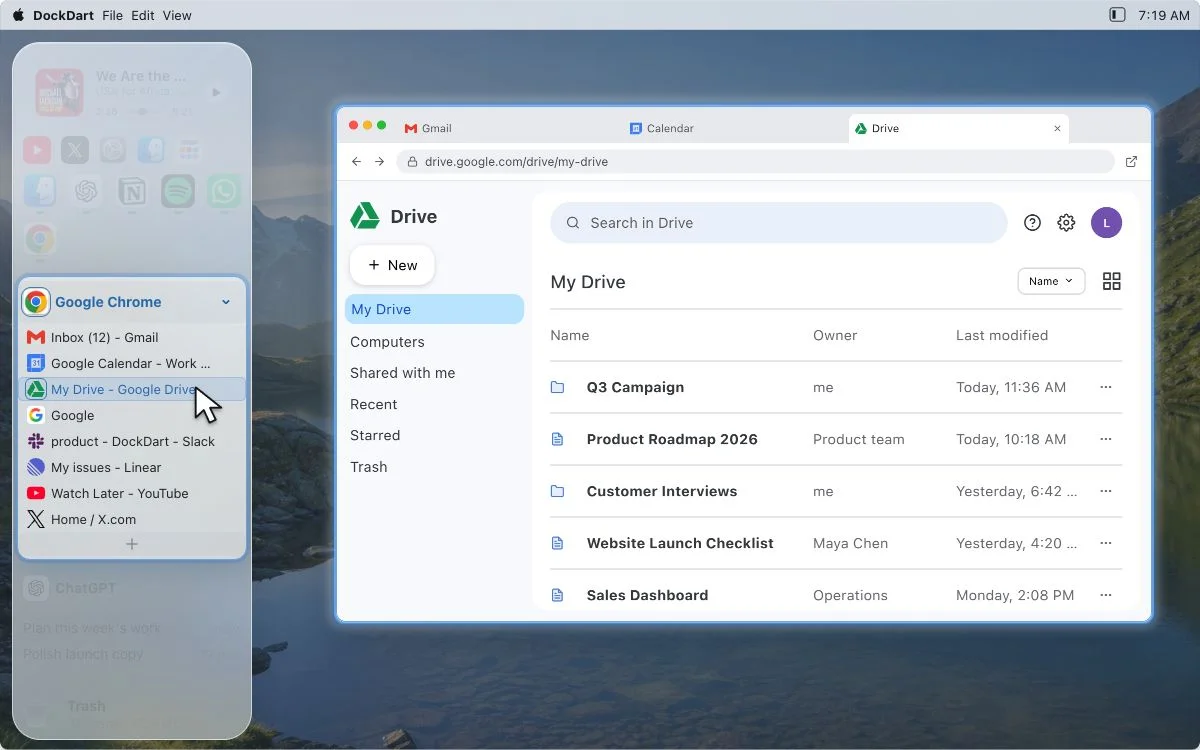
Browser Tabs
Find and open existing browser tabs without switching through windows.
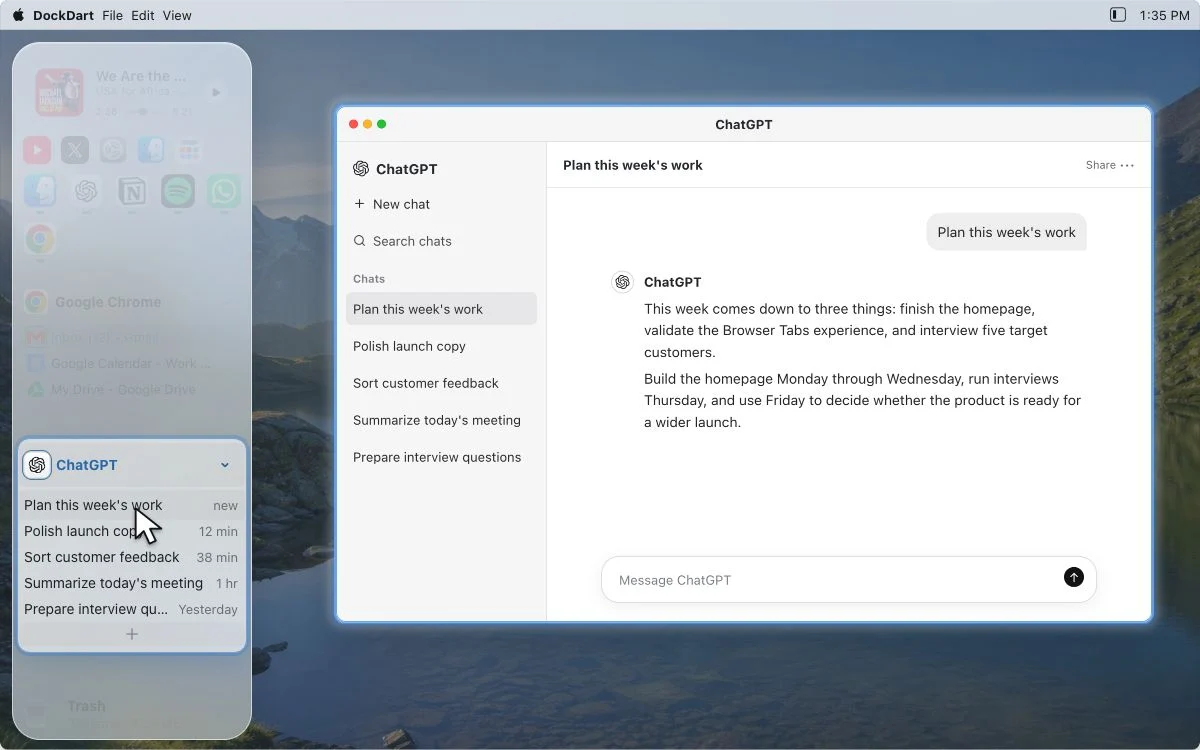
AI Chats
Keep work conversations close. Click a title to return to that chat.
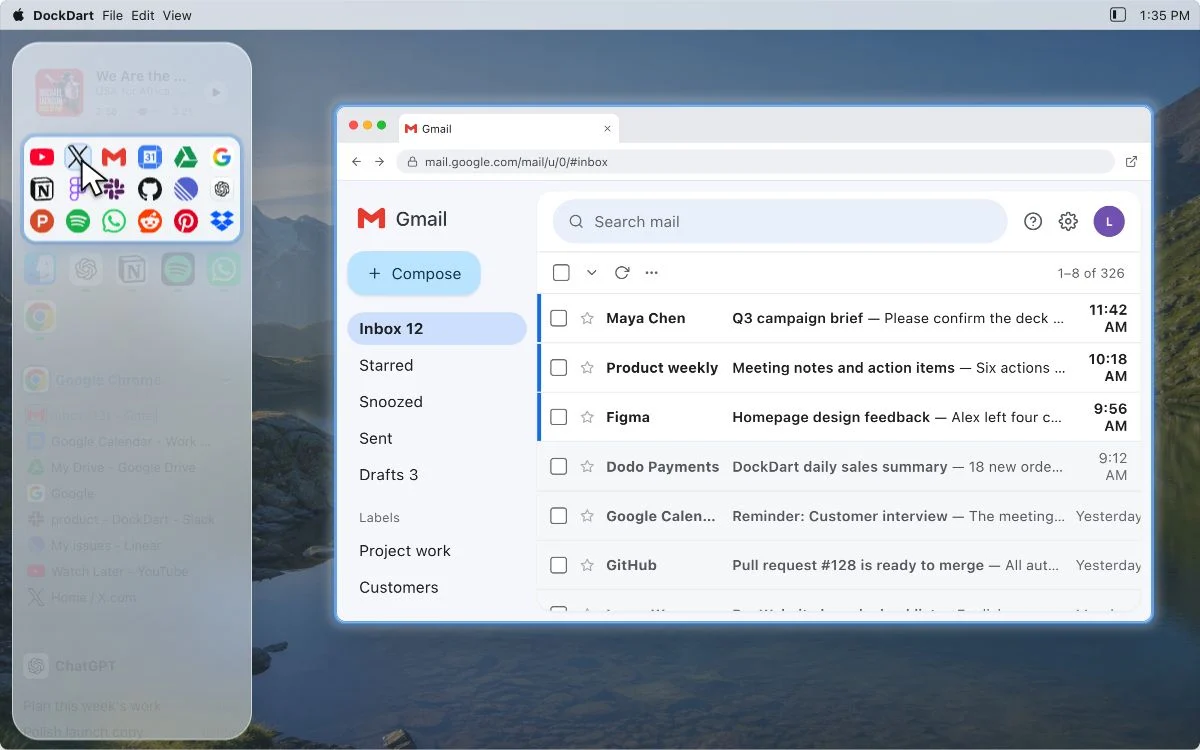
Websites
Favorite sites are always in reach
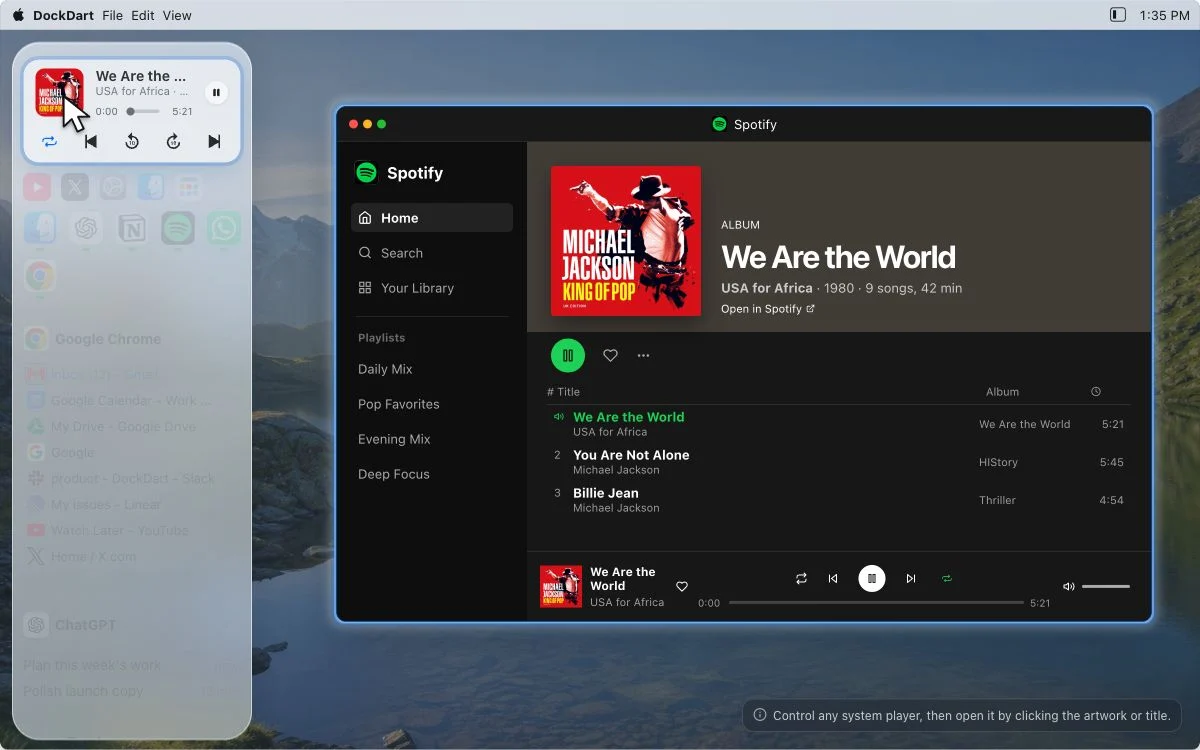
Media
Control any system player, then open it by clicking the artwork or title.
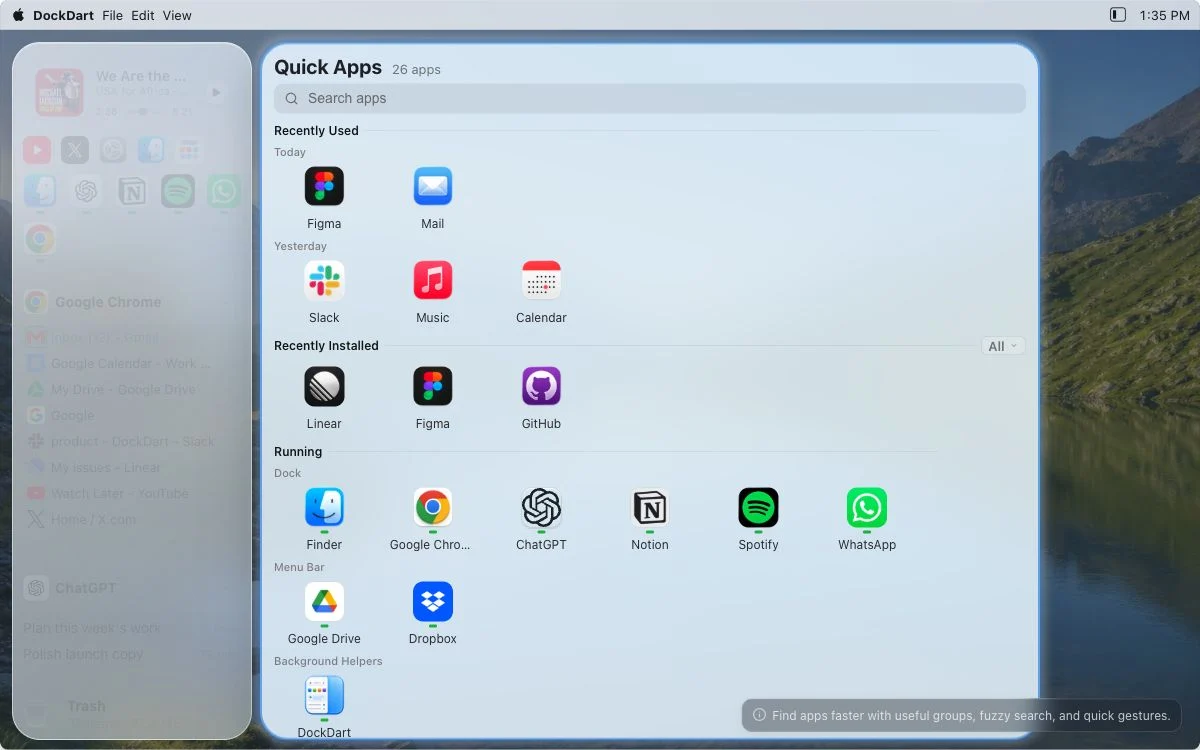
Apps
Find apps faster with useful groups, fuzzy search, and quick gestures.
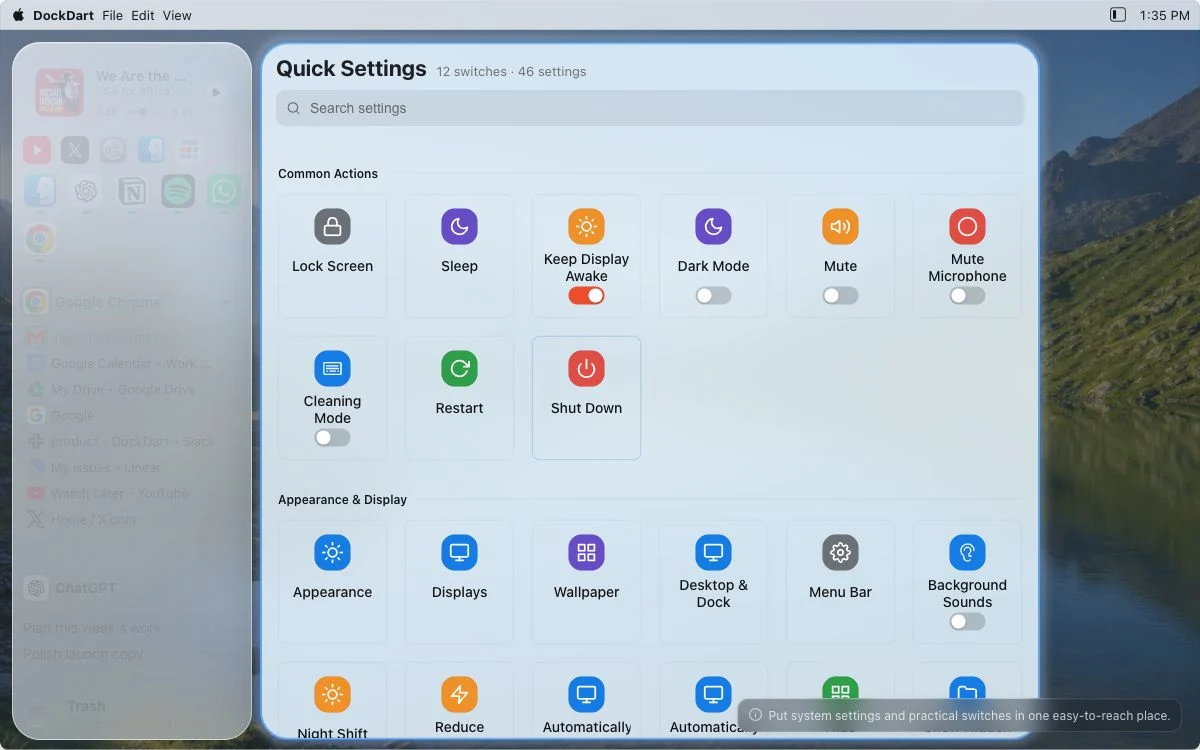
Settings
Put system settings and practical switches in one easy-to-reach place.
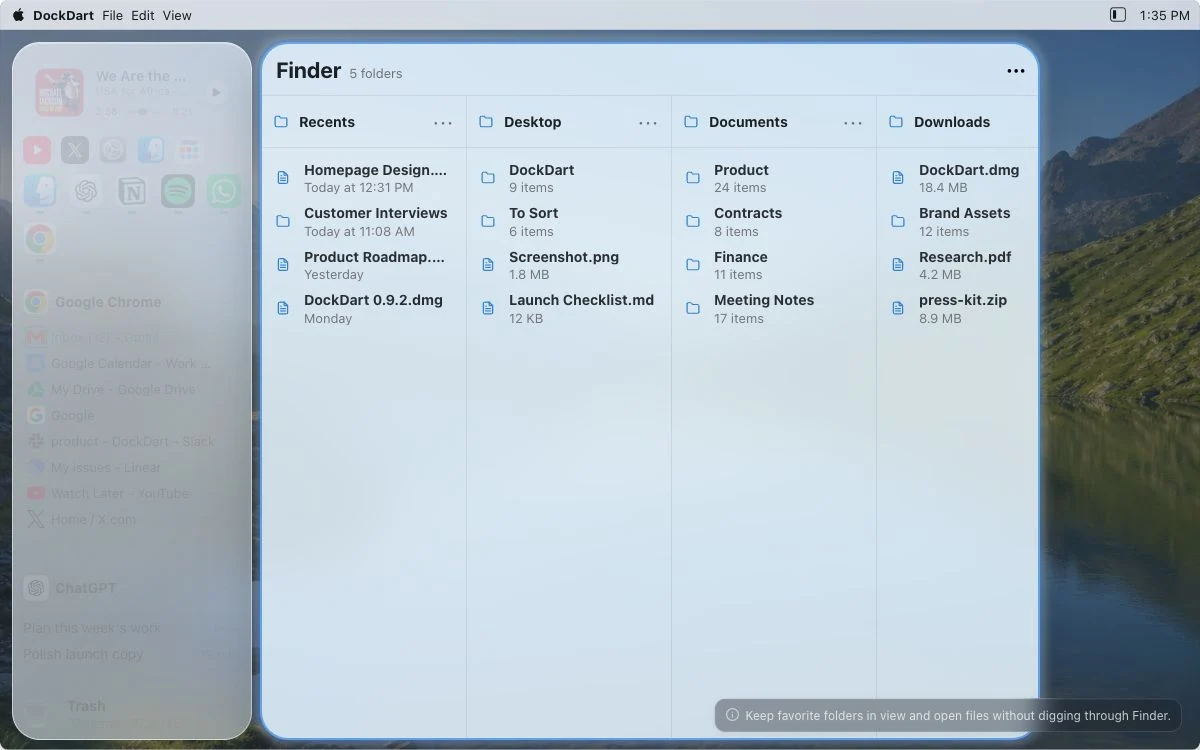
Files
Keep favorite folders in view and open files without digging through Finder.
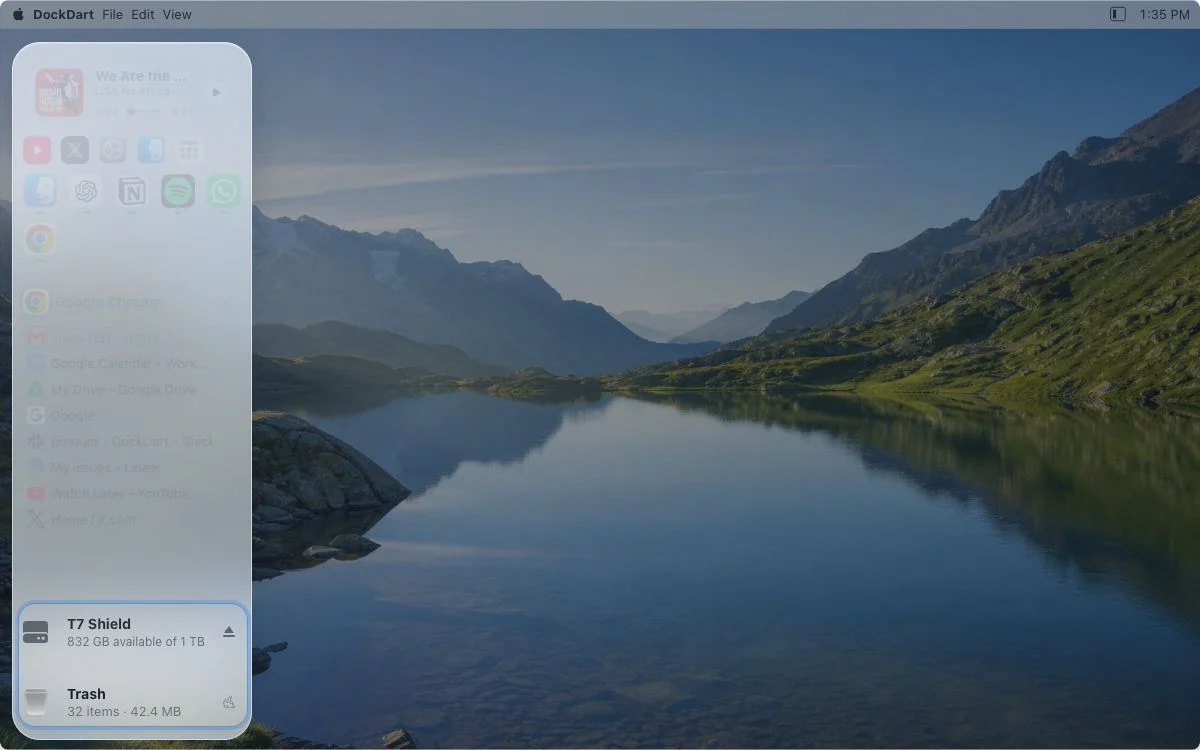
Drives & Trash
Open mounted drives, eject external storage, and view or empty the Trash.
Everyday actions, one click away
Skip the detours and get routine tasks done fast
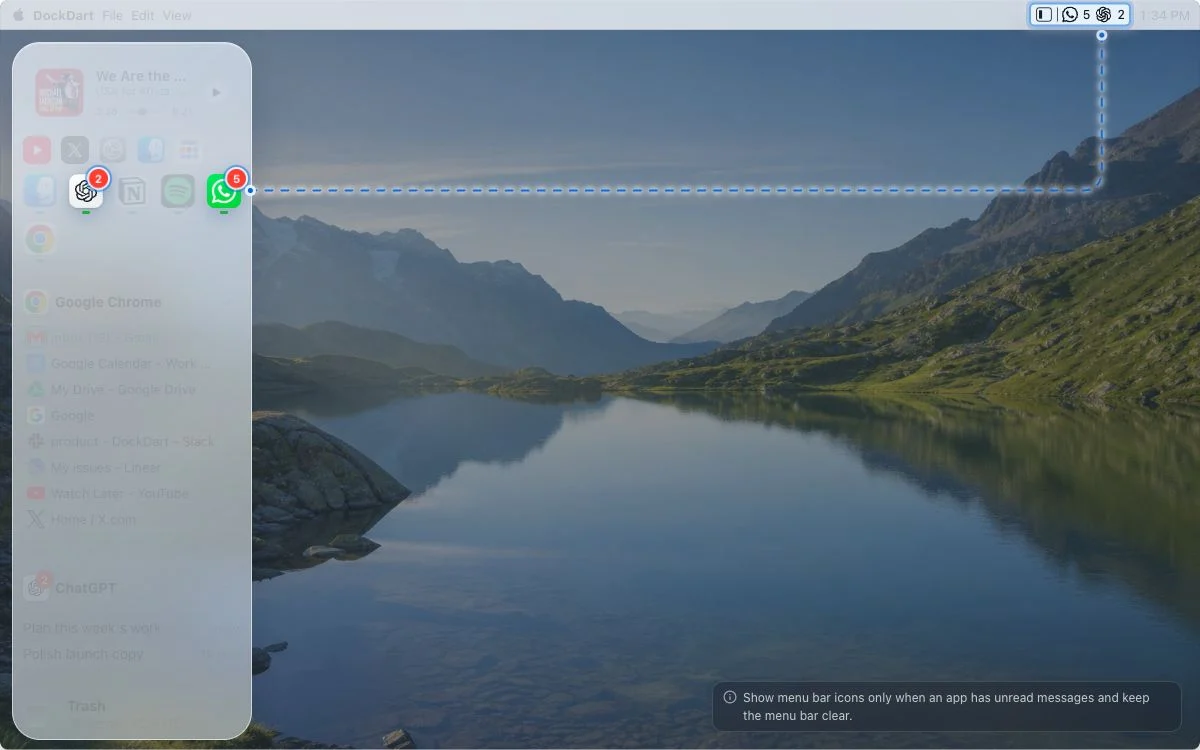
Notification Summary
Show menu bar icons only when an app has unread messages and keep the menu bar clear.
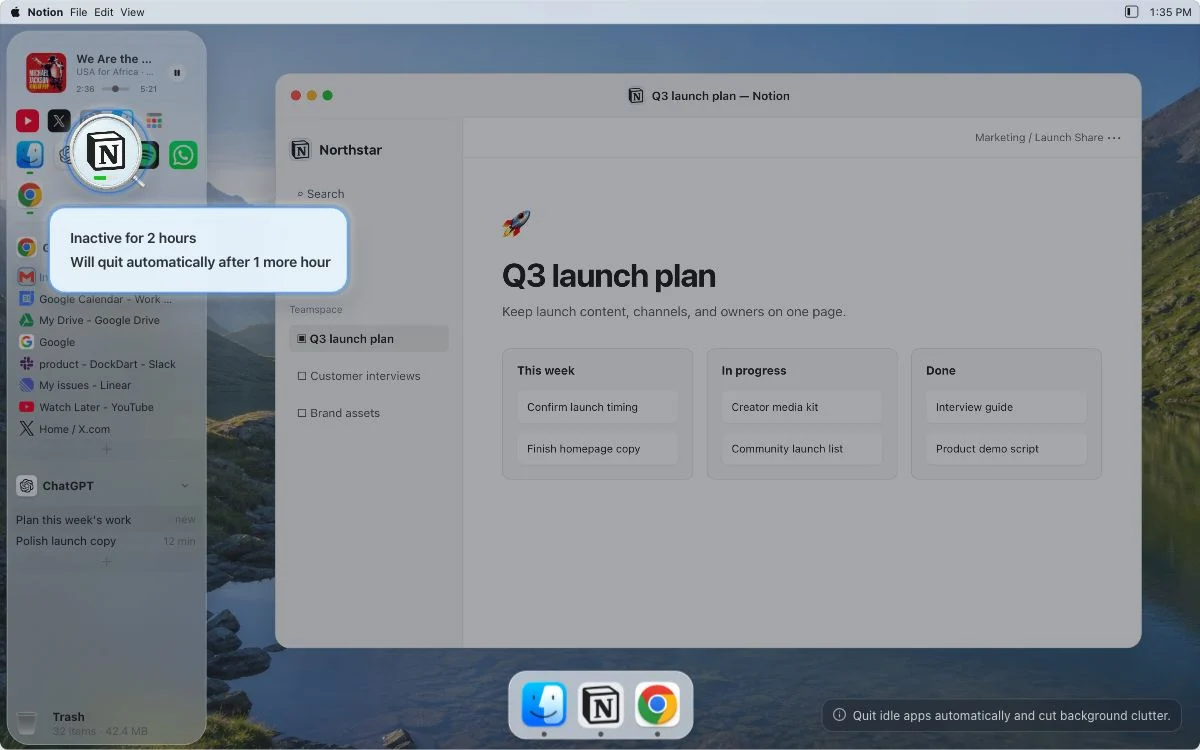
Auto Quit
Quit idle apps automatically and cut background clutter.
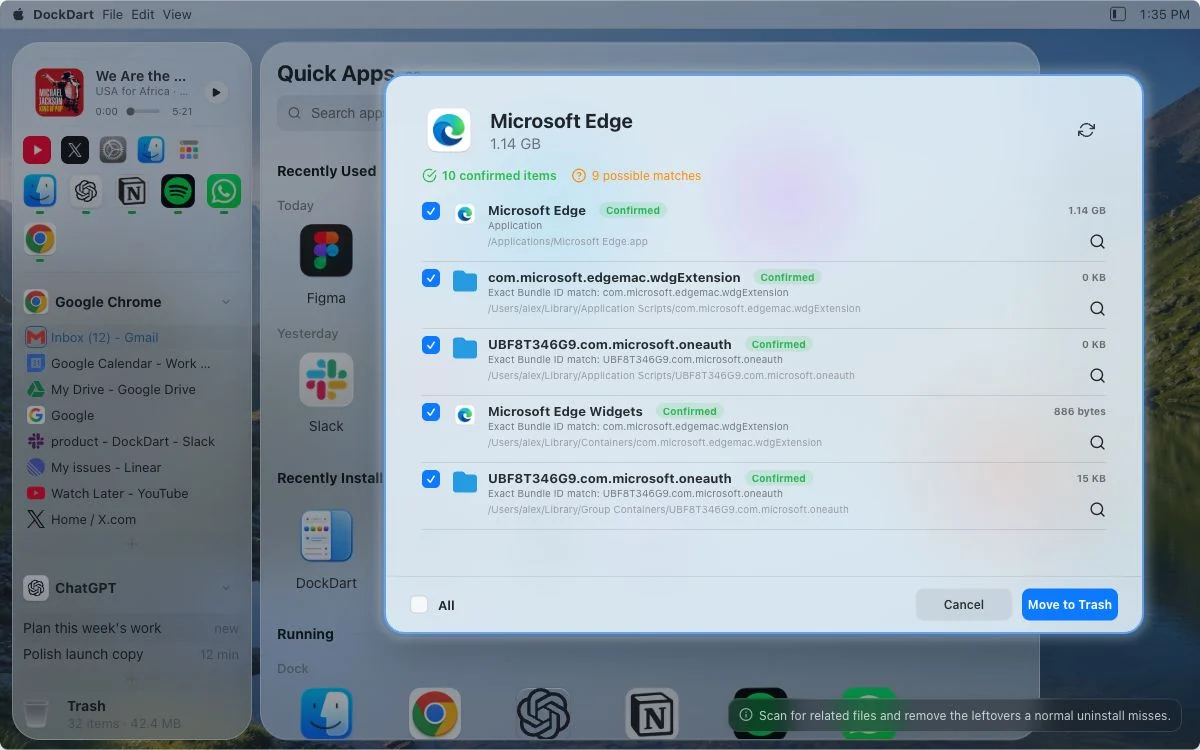
Deep Uninstall
Scan for related files and remove the leftovers a normal uninstall misses.
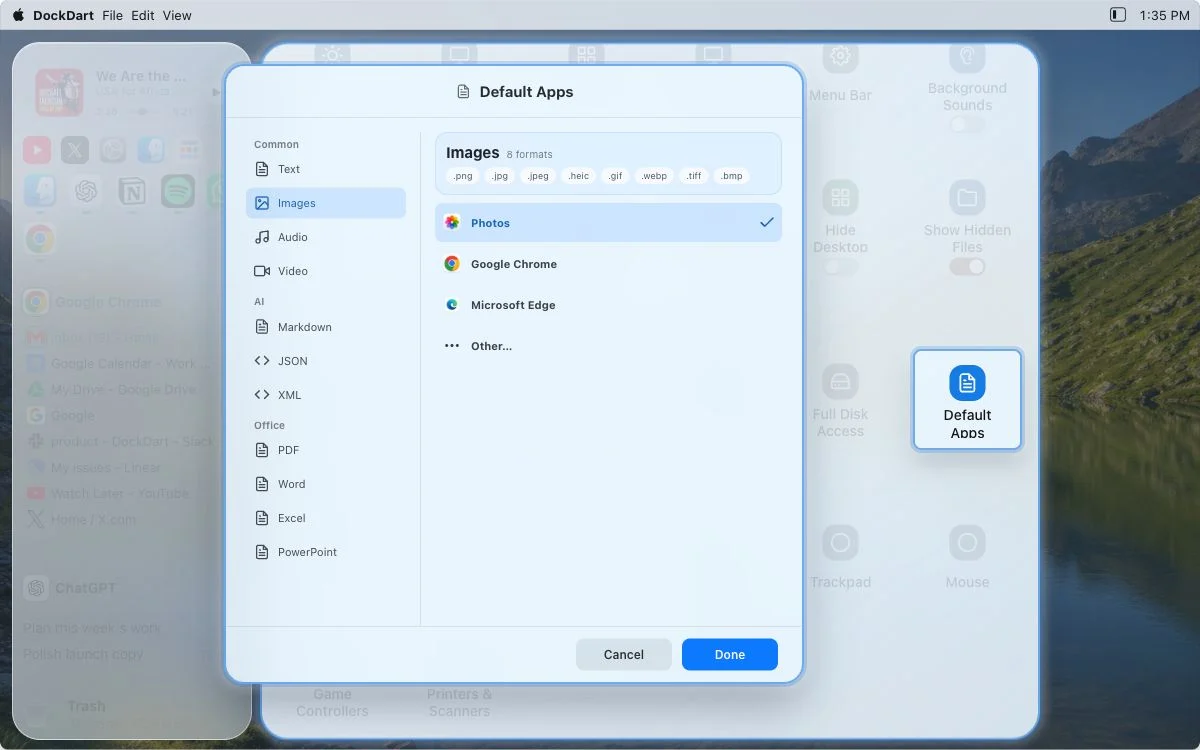
Default Apps
Choose the default app for a file type and open it your way next time.
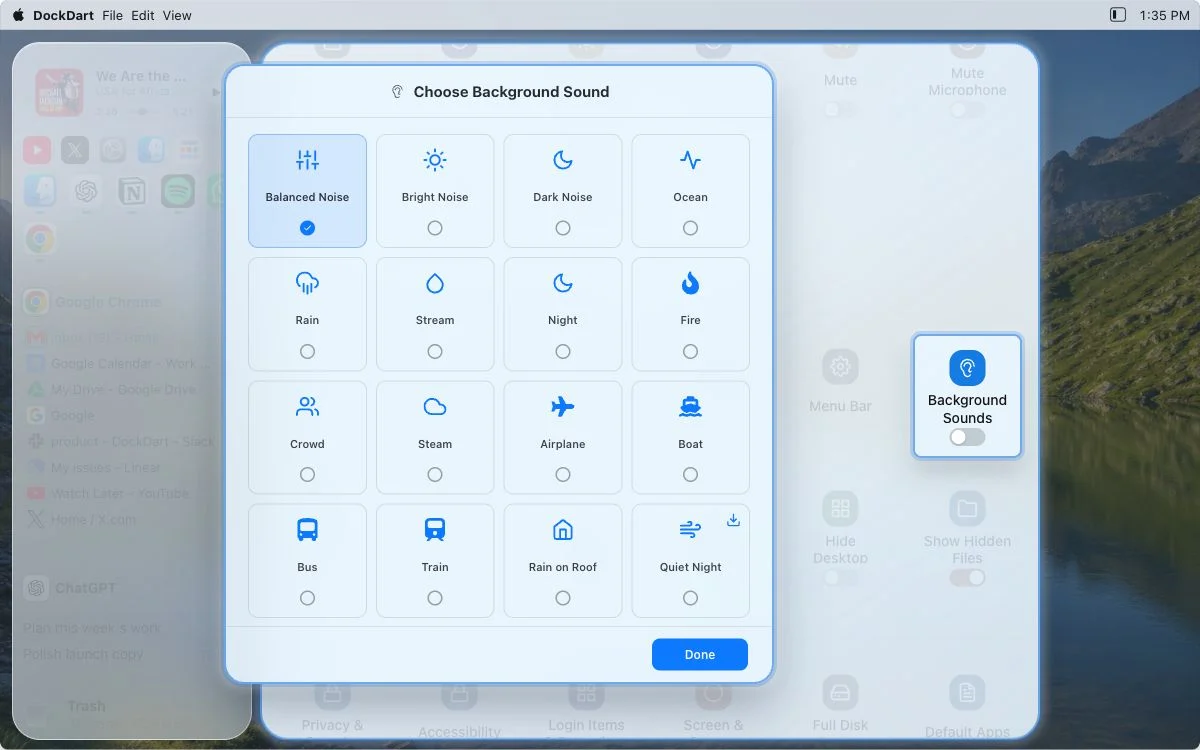
Background Sounds
Rain, ocean, streams, and noise. Pick a background sound for the moment.
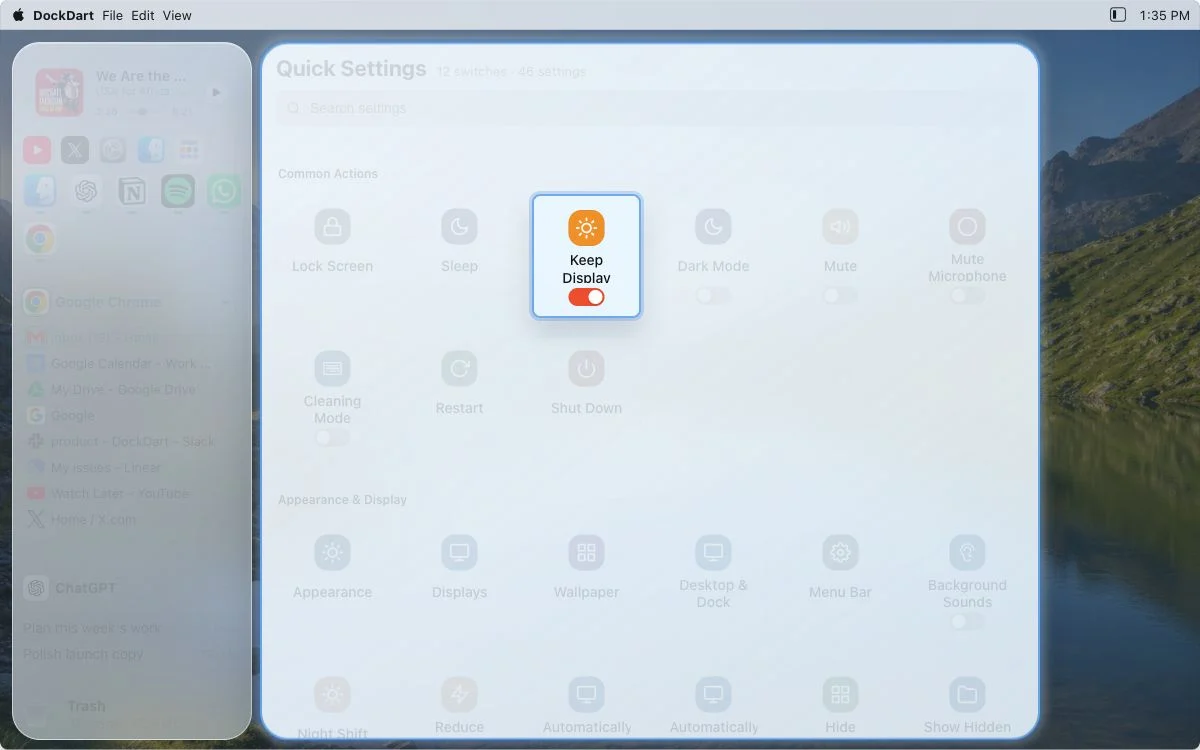
Keep Display Awake
Temporarily keep your display awake without a trip through System Settings.
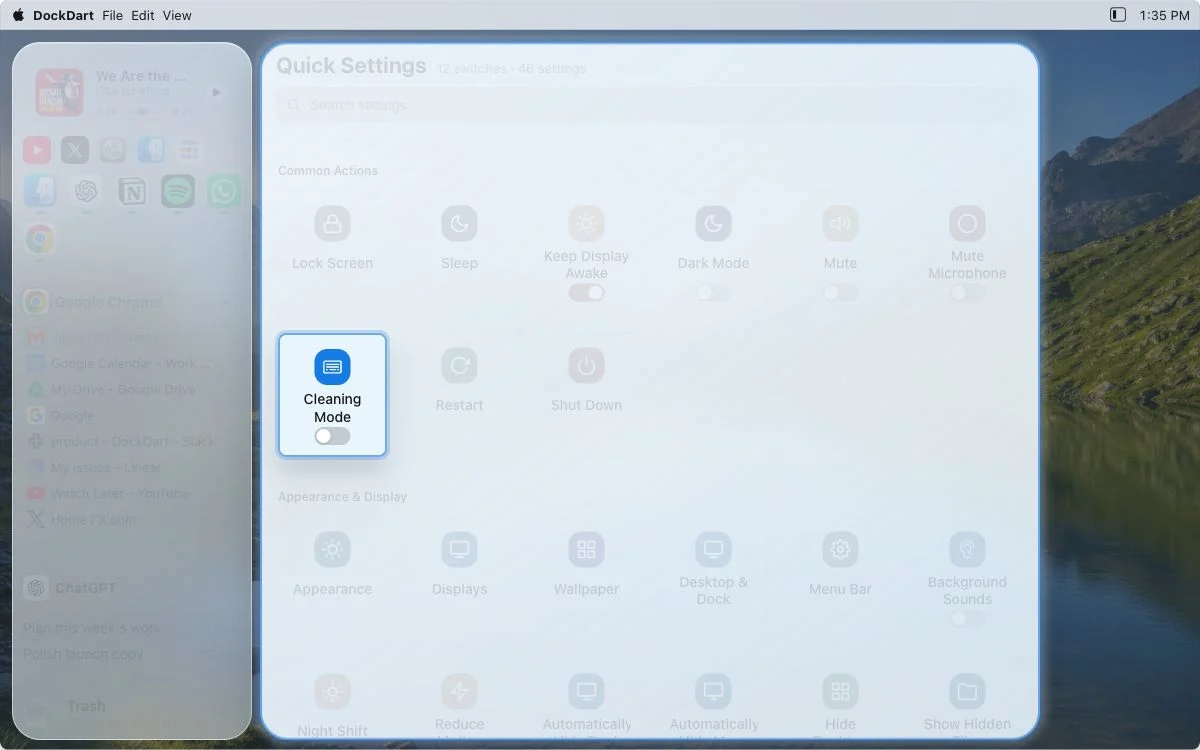
Cleaning Mode
Enter keyboard and screen cleaning mode to avoid accidental input while wiping.
More quick tools
Quick Share, context menus, new windows, multi-browser tools, motion controls...
And dozens more tools to exploreFrom the interactive website demo. Try it yourself
Compatibility, permissions & free features
Read the docsMade for your Mac
Download and start using it—no sign-up.
Processed on your Mac
Local features work offline. The DockDart app does not record how you use it.
Permission when needed
If you decline or later turn off a permission, only the related feature stops working.
Free forever
Every current feature except Browser Tabs stays free.
Take your time
Try Browser Tabs in full for 30 days before buying. Get a no-questions-asked refund within 30 days of purchase.
One fair price
One-time purchase—no subscription. Activate up to 3 of your own Macs. Founding price for the first 300 customers; then $19.99.